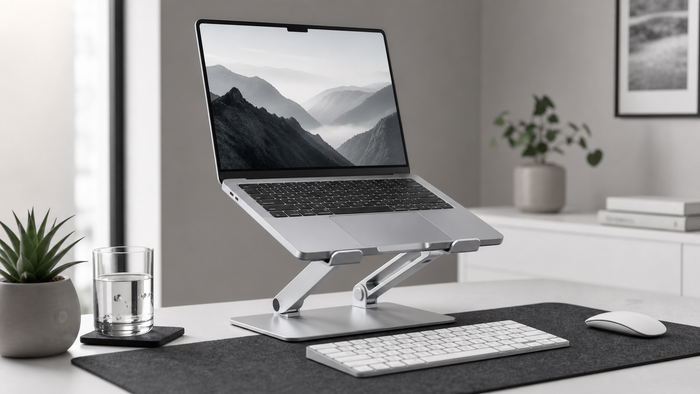
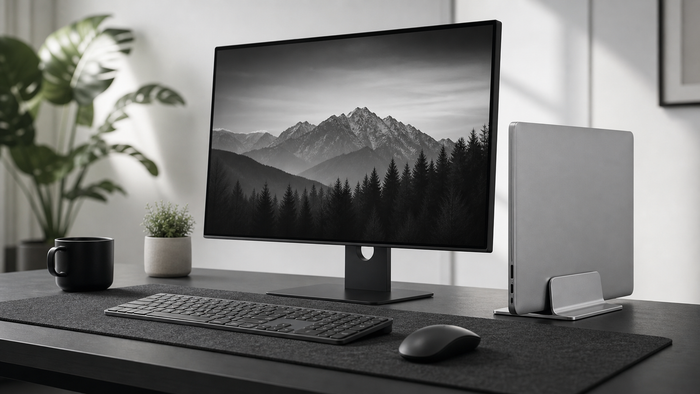
A monitor riser for desk work lifts a screen without requiring clamps, drilling, or a permanent installation. The right riser can improve screen position, create storage underneath, and make the desk easier to reset after work.
When a monitor riser makes sense
A riser is useful when the monitor sits too low, the original stand has limited adjustment, or the desk needs more usable storage. It is also a practical choice for rented spaces and shared workstations because it can move with the setup.
Measure before choosing
- Screen height: estimate how much lift is needed for a comfortable forward gaze.
- Desk depth: leave enough room between your eyes and the display.
- Base width: confirm the monitor stand fits fully on the platform.
- Weight: check the riser capacity against the monitor and accessories.
- Storage: measure the keyboard or notebook if it needs to slide underneath.
Fixed versus adjustable risers
A fixed riser is simple and stable when one height works. An adjustable riser is more flexible for changing monitors, chairs, or users. Adjustment is only useful when the platform remains secure at every setting.
Screen-height setup
- Place the riser centrally on a stable desk surface.
- Set the monitor base fully on the platform.
- Sit in your normal working position.
- Adjust the screen until you can look forward without repeatedly folding the neck down.
- Use the setup for a full work session before making another change.
Storage and cable routing
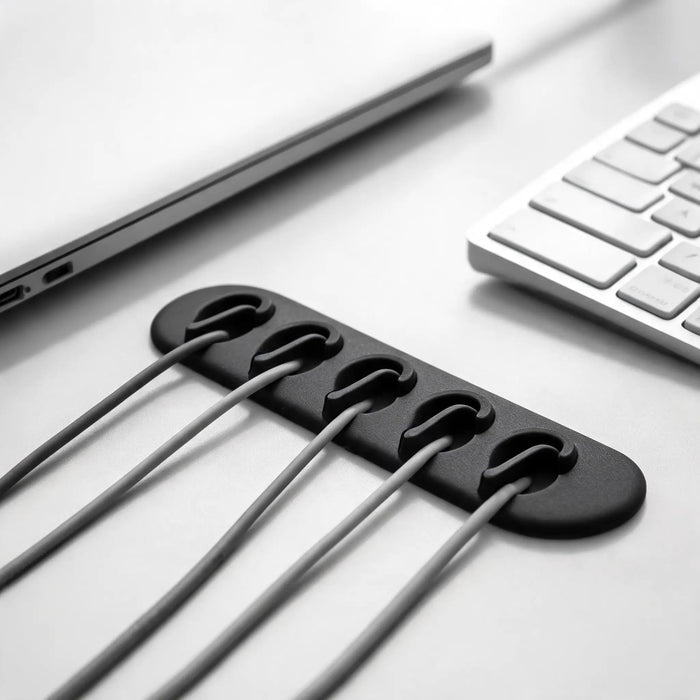
Use the space below the platform for a keyboard, notebook, or small daily accessories. Route power and display cables behind the riser with enough slack for adjustment. Keep frequently used charging cables separate from fixed monitor wiring.
Monitor riser, arm, or laptop stand?
Choose a riser for simple lift and storage, a monitor arm for wider movement and a compatible desk, or a laptop stand when the laptop screen is the main display. The best option depends on the equipment already on the desk.
Frequently asked questions
How high should a monitor riser be?
There is no universal height. Chair height, monitor size, desk depth, and the original monitor stand all matter. Start with a neutral forward gaze and adjust in small steps.
Can a riser hold a large monitor?
Only when the platform dimensions and stated weight capacity match the monitor. Check both before use.
Does a monitor riser replace movement?
No. A better screen position supports the setup, but regular movement and changes in posture still matter.
Continue building the monitor setup
Popular setup questions
Use these focused answers to solve the next part of your setup.