Dual Monitor Desk Setup Guide is a practical question when a desk setup needs one focused improvement. The answer depends on fit, equipment, available space, and how the setup is used during a normal workday.
Choose the primary screen
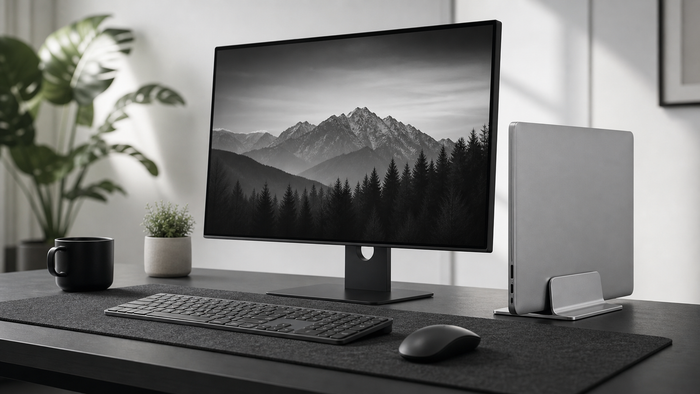
Place the screen used most directly in front. Angle the secondary screen inward to reduce repeated turning.
Match useful screen height
Screens do not need identical frames, but the main viewing areas should avoid large vertical jumps. Adjust in small steps.
Plan the footprint and cables
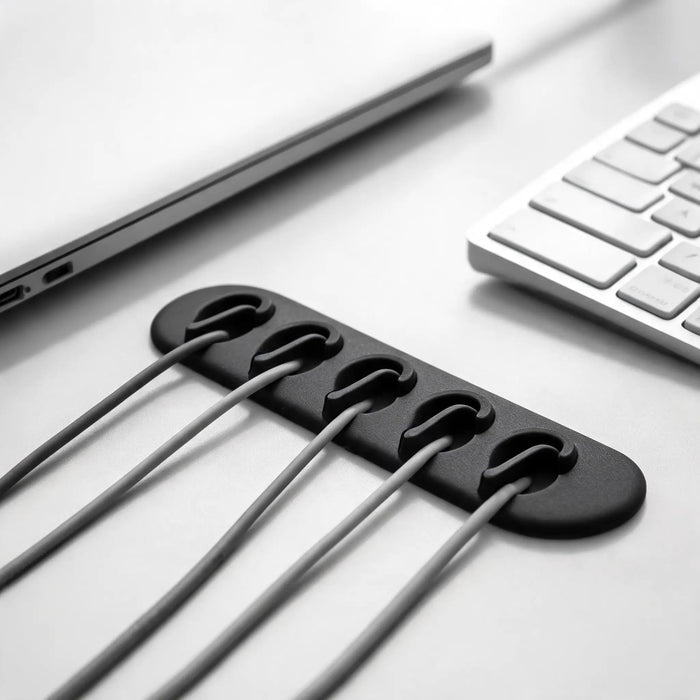
Check whether monitor bases fit the desk or riser. Route power and display cables with enough slack for adjustment.
What to measure before changing the setup
Write down the available width, depth, and height before choosing gear. Include the space used by cables, connectors, chair movement, and the equipment already on the desk. Product dimensions only become useful when they are compared with the real workspace.
A simple way to decide
- Identify the exact friction in the current setup.
- Measure the relevant product, chair, screen, or desk space.
- Change one variable at a time.
- Check stability, reach, and cable movement.
- Review the setup after a complete work session.
Common mistakes to avoid
- Choosing from a product photo without checking dimensions.
- Changing several parts of the setup at the same time.
- Ignoring how added height affects reach, stability, or viewing distance.
- Using dramatic claims as a substitute for fit and compatibility.
Reconsider the setup when it creates a new pressure point, unstable equipment, blocked ventilation, restricted cable movement, or a less comfortable working position.
Frequently asked questions
Should both monitors be centered?
Center the primary monitor. Center the gap only when both screens are used equally.
Riser or monitor arm?
A riser is simple and adds storage. Arms offer more movement but require compatible monitors and a suitable desk.