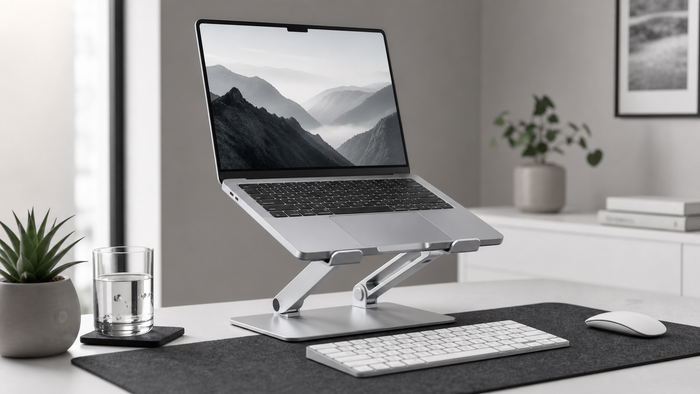
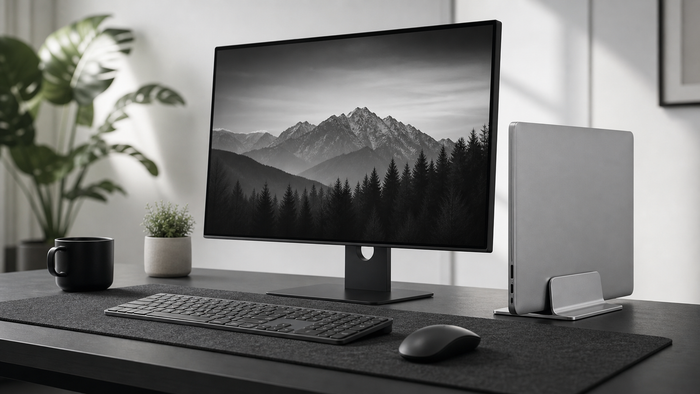
A monitor riser and monitor arm can both raise a screen, but they solve different desk problems. A riser adds a platform and storage. An arm creates movement and clears the surface below the display.
Quick comparison
| Feature | Monitor riser | Monitor arm |
|---|---|---|
| Installation | Place on desk | Clamp, grommet, or wall mount |
| Storage | Space under platform | Open desk surface |
| Movement | Usually limited | Height, depth, and angle adjustment |
| Compatibility | Base size and weight | VESA pattern, weight, and desk strength |
| Portability | Easy to move | More permanent |
Choose a monitor riser when
- You want a simple setup without clamps or drilling.
- You need space for a keyboard, notebook, or dock.
- The monitor already has a stable base.
- The desk is shared, rented, or changed frequently.
Choose a monitor arm when
- You adjust screen depth and angle throughout the day.
- You use multiple screens and need independent positioning.
- The monitor supports the correct VESA mount.
- The desk edge or grommet is strong enough for installation.
Check compatibility first
For a riser, measure the monitor base and total weight. For an arm, check VESA compatibility, monitor weight, clamp range, and desk construction. A thin or fragile desktop may need reinforcement or a different solution.
Which option creates more desk space?
An arm can clear more open surface because there is no platform. A riser turns the same footprint into two levels, which may be more useful when the keyboard or notebook needs a storage position.
Cost and flexibility
Risers are usually easier to install and move. Arms can offer more adjustment but add compatibility checks and installation time. Compare the complete setup rather than choosing by price alone.
Frequently asked questions
Is a monitor arm always more ergonomic?
No. More adjustment can help, but only when the arm, monitor, desk, and user are compatible. A correctly sized riser can be the simpler solution.
Can a riser be used with two monitors?
Only if the platform dimensions and weight capacity support both monitor bases securely.
Can I combine a riser with a laptop stand?
Yes, when there is enough desk depth and each screen remains stable and easy to view.