Raise the screen
Laptop stands
Adjustable and vertical laptop stand options for cleaner screen height, airflow, and desk organization.
Choose your upgrade.
Selected products for practical desk comfort. General information, not medical advice.
See the setup
Small pieces, real desk rhythm.
Choose the thing you will notice every day: screen height, cable calm, neck support, or better sitting comfort.


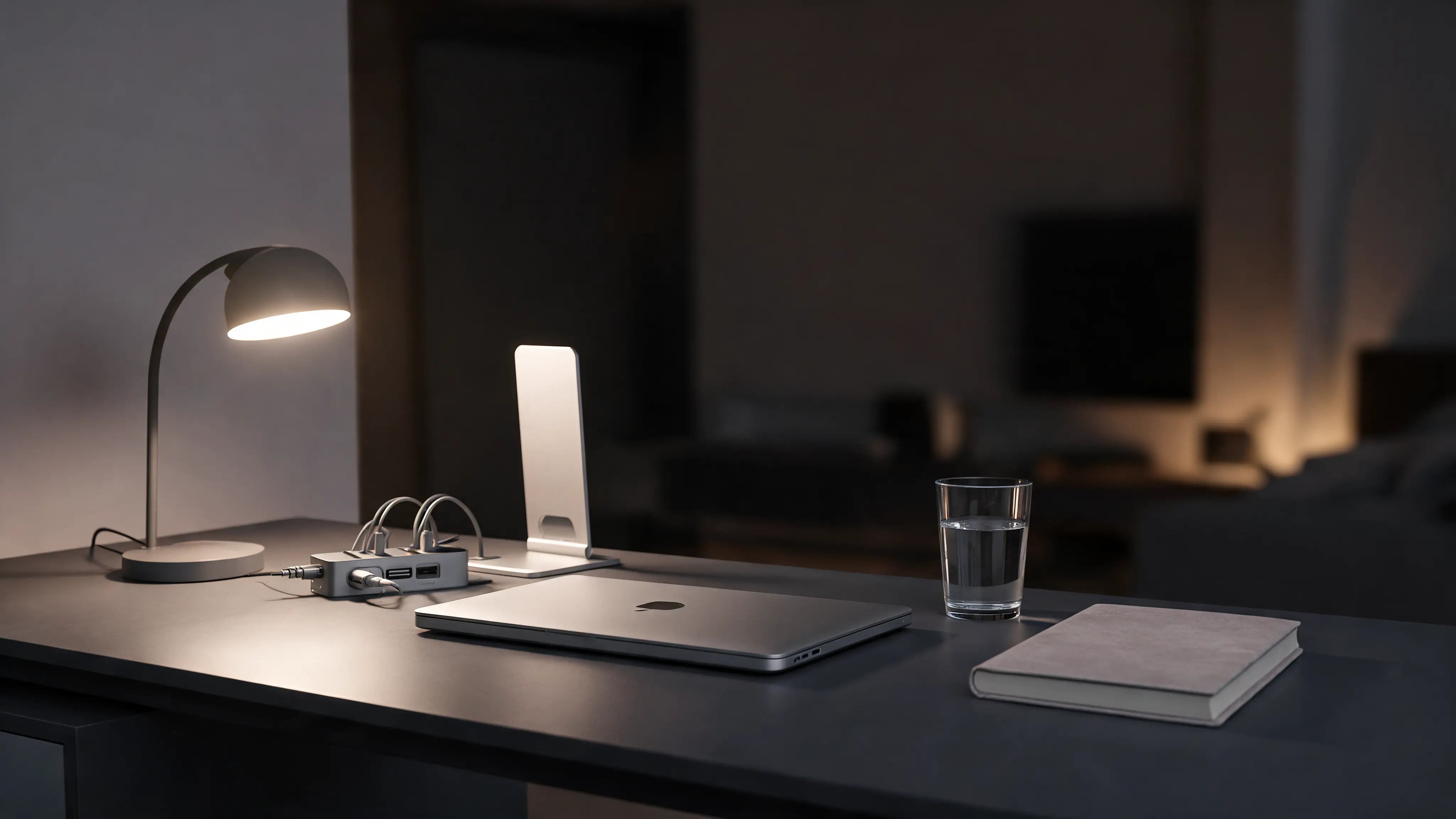


Buying guide
Choose the stand by how you use the laptop.
Adjustable stands help daily work. Vertical stands clean up storage. Both support a calmer desk. General information, not medical advice.
1Pick the frictionNotice what slows the workday first: pressure, posture, screen height, or cable clutter.
2Match one productStart with one focused upgrade instead of filling the desk with random gear.
3Test the routineUse it for real desk sessions and keep what genuinely improves the setup.
Guides and answers
Read before you buy.
Best laptop stands guideStart with the main guide for this collection.
Best laptop stand for MacBookCompare setup choices and daily habits.
Adjustable vs fixed standsLearn how this product category fits the full desk.
How does ArcosGear choose products?
We look for focused desk-worker use, clean visual design, supplier availability, practical daily use, and clear product data before release.
Is this medical advice?
No. ArcosGear content is general information, not medical advice. Speak with a qualified professional for severe, persistent, or radiating pain.
What if it does not fit my setup?
Use the 30-day return window to test the product in your real workspace and contact support with questions before or after ordering.
Why buy here
Premium desk gear, practical support.
Focused catalogNo noisy marketplace feel. Each product has a clear role in the desk setup.
Order confidenceSecure checkout, dispatch updates, and support before or after ordering.
Content that helpsEvery collection connects products with practical guides and internal links.
Laptop stand options for desk workers who want better screen height, cleaner airflow, and a calmer workspace. Compare adjustable laptop stands and vertical laptop stands, then use the guides below to build the rest of your setup.
Helpful laptop stand guides
Buying guide
Choose the right laptop stand
If Google sends you here for laptop stand, laptop stand for desk, adjustable laptop stand, or vertical laptop stand, start with how you use the laptop.
Use the laptop screen daily
Choose an adjustable stand and pair it with a keyboard and mouse.
Choose an adjustable stand and pair it with a keyboard and mouse.
Use a monitor most of the day
Choose a vertical stand to clear desk space.
Choose a vertical stand to clear desk space.
Work on a small desk
Prioritize stable height and room underneath for accessories.
Prioritize stable height and room underneath for accessories.
Complete your desk setup
How to choose a laptop stand for your desk
Choose by how you use the laptop, not only by the product name. An adjustable stand keeps the laptop screen in use; a vertical stand stores a closed laptop beside an external display.
| Setup | Best starting point | Check before buying |
|---|---|---|
| Laptop screen used daily | Adjustable laptop stand | Screen height, stability and external keyboard space |
| External monitor or clamshell mode | Vertical laptop stand | Closed-laptop thickness, slot adjustment and contact material |
Frequently asked questions
What is the best laptop stand for a desk?
An adjustable stand suits people who keep using the laptop display. A vertical stand suits a closed laptop connected to an external display. Available desk space and laptop fit decide between them.
Should I choose an adjustable or vertical laptop stand?
Choose adjustable for active screen use and vertical for storage or clamshell use. If several people use the desk, adjustability is usually more useful.
How high should a laptop stand be?
A practical starting point is to bring the top area of the screen near eye level while keeping shoulders relaxed. Use an external keyboard and mouse when raising the laptop makes the built-in keyboard uncomfortable to reach.
Will a laptop stand fit my laptop?
Check laptop width, weight and contact points. For a vertical stand, also compare the thickness of the closed laptop with the adjustable slot.
Does an open laptop stand help airflow?
An open stand leaves more space around the underside than a flat desk surface. Actual cooling still depends on the laptop design, room conditions and workload.
Choose with confidence
Buy the piece your desk will actually use.
Every ArcosGear product has to earn its place on the desk. Use the guide links, product photos, and fit notes before checkout so you do not buy random accessories.