A MacBook looks great on a desk and terrible for your neck, because the screen sits far too low. The right laptop stand fixes that in seconds. Here is how to choose the best laptop stand for a MacBook.
What to look for
- Aluminium build that matches the MacBook and sheds heat.
- A stable, open frame so your MacBook stays cool and does not wobble.
- Silicone padding so the aluminium body is not scratched.
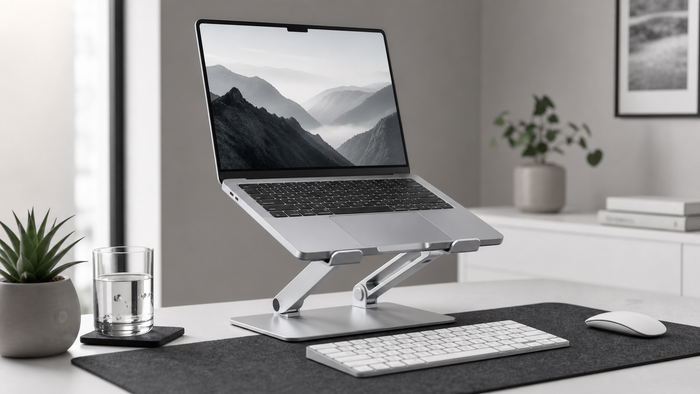
- The right height to bring the screen to eye level.
Our pick
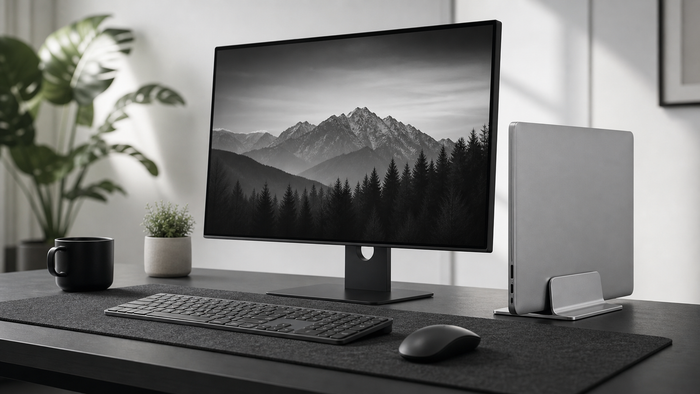
The ArcosGear Adjustable Aluminum Laptop Stand pairs perfectly with a MacBook: solid aluminium, open frame for cooling, and adjustable height. If you work on an external display, the Vertical Laptop Stand stores your MacBook upright and saves desk space.
Frequently asked questions
Does a MacBook need a laptop stand?
If you work on it for long periods, yes. The built-in screen is too low, so a stand brings it to eye level and helps you avoid neck strain.
Will a stand scratch my MacBook?
A good stand has silicone padding that protects the aluminium body from scratches.
Keep reading
Next steps for your desk setup
A MacBook setup usually works best with the right screen height and a cleaner place to park the device.
Next step
Build the setup around this guide.
If screen height is the main friction, start with a stand and then tune the rest of the desk around it.