You spend all day looking down at a screen, and now there is a constant ache at the base of your neck and across your shoulders. There is a name for it: tech neck. It is one of the most common complaints of the screen age, and the good news is that it is largely preventable. Here is what tech neck is, why it happens, and how to fix it.
What is tech neck?
Tech neck is the neck and upper-back strain that comes from looking down at screens for long periods. Your head weighs around 5 kilos when balanced over your shoulders, but tilt it forward to look at a low laptop or phone and the effective load on your neck multiplies. Hold that position for hours a day and the muscles fatigue and ache. Over time it can also round your upper back.
Signs of tech neck
- Aching or stiffness at the base of the neck and across the shoulders
- Tension headaches that build through the day
- A forward-head, rounded-shoulder posture
- Pain that eases on days you are away from screens
How to fix tech neck
1. Bring the screen up to eye level
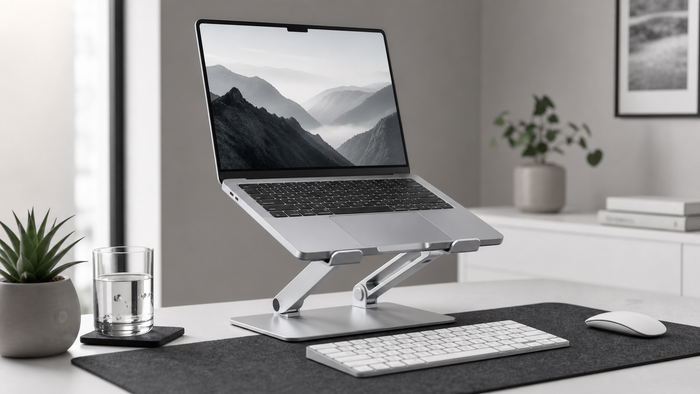
The main cause is a screen that sits too low. Raise the top of your screen to eye level with a laptop stand so you look ahead instead of down. This one change removes most of the daily forward-head load.
2. Support your neck when you rest
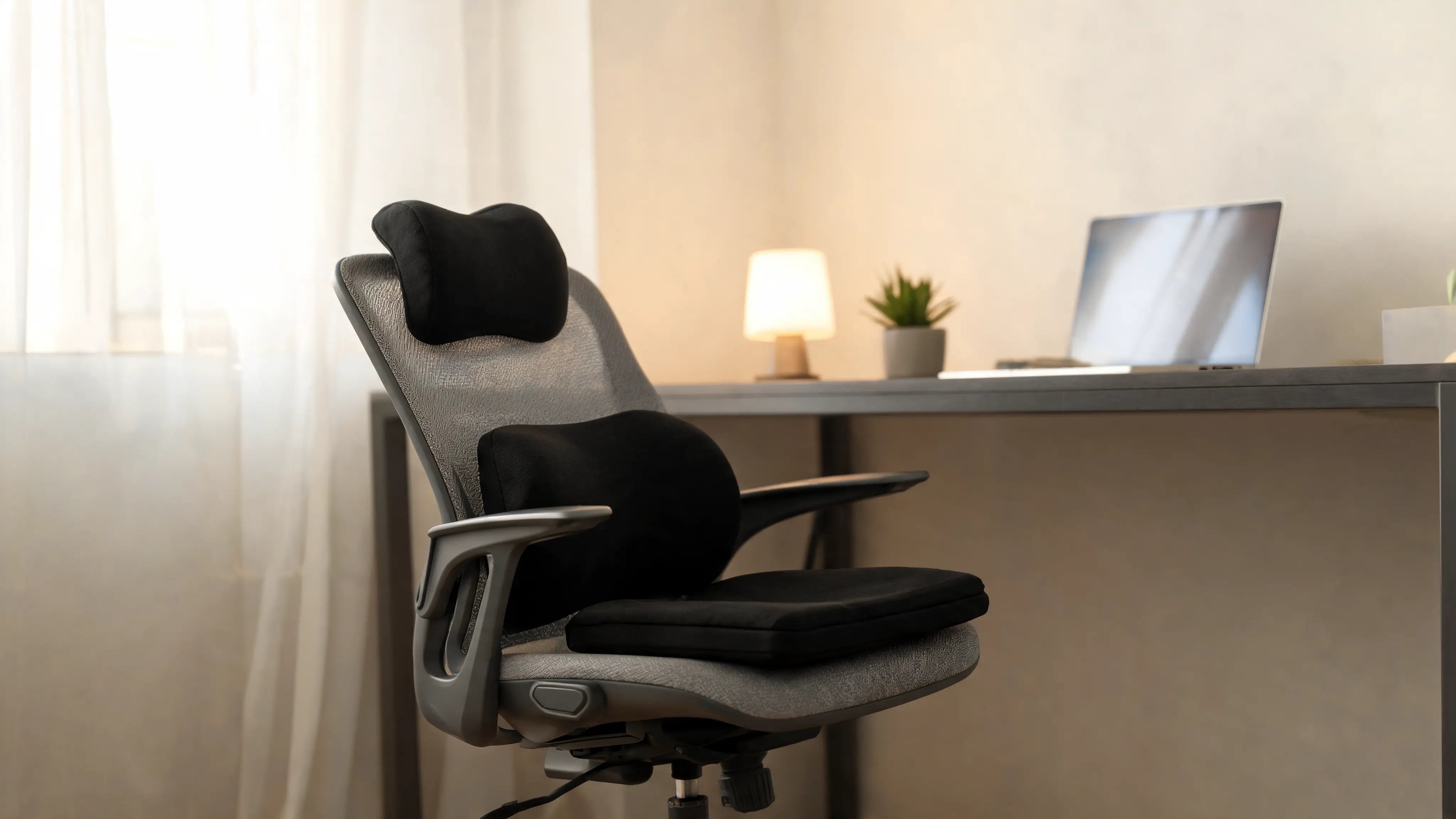
Give your neck proper support when you sit back or sleep, so it can recover from the day. A supportive, contoured cushion keeps the neck in a neutral position.
3. Move and stretch often
Every 30 to 45 minutes, look up, roll your shoulders back, and gently stretch your neck. Short, frequent breaks stop the muscles from locking up.
When to see a professional
Tech neck usually eases as your setup and habits improve. If the pain is severe, spreads down your arm, or does not settle, see a doctor or physiotherapist. This article is general information, not medical advice.
Frequently asked questions
Is tech neck permanent?
Usually not. For most people it eases once the screen is raised to eye level and they add regular movement and stretching.
How do I prevent tech neck at work?
Keep your screen at eye level, support your neck and back, and take short movement breaks through the day.
Keep reading
Neck Pain From Working at a Desk
Causes and fixes for desk-related neck pain.
The Complete Ergonomic Desk Setup Guide
Set up your desk to prevent strain.
Next steps for your desk setup
Tech neck usually starts with screen position and long sessions. These pages help you improve the full setup.
- Shop neck relief
- Cervical neck pillow
- Neck pain from desk work
- Monitor height guide
- Shop laptop stands
General information, not medical advice.
Next step
Build the setup around this guide.
If your neck feels tired after screen-heavy days, check monitor height first, then choose support for your rest routine.
General information, not medical advice.