You finish a workday and your neck is stiff, your shoulders are tight, and there is a dull ache at the base of your skull. If that sounds familiar, you are not imagining it, and you are not alone. Neck pain from working at a desk is one of the most common complaints among office and remote workers. The good news: in most cases it comes from a few fixable causes. Here is what is happening and how to stop it.
Why does working at a desk cause neck pain?
Your head weighs around 5 kilos. When you look straight ahead, your neck carries that weight easily. But every centimetre you tip your head forward multiplies the load on your neck muscles. Look down at a low laptop for eight hours and those muscles are working overtime all day. That is where the ache comes from.
The usual causes are simple:
- A screen that is too low, so you look down instead of ahead.
- Rounded shoulders from hunching toward the screen.
- No lower-back support, which pushes your whole posture forward.
- Sitting frozen in one position for hours.
How to fix desk-related neck pain
1. Raise your screen to eye level
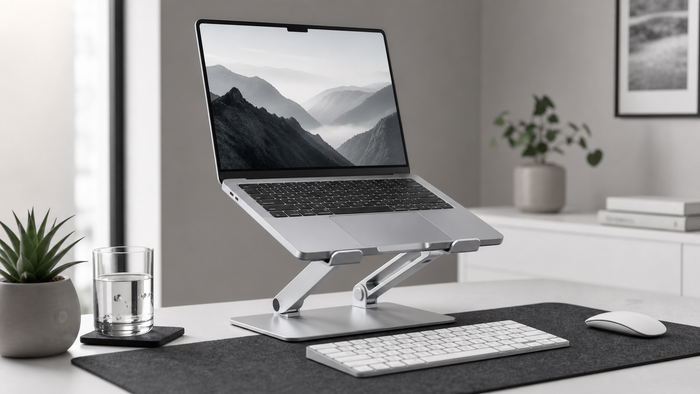
This is the biggest fix. When the top of your screen sits at eye level, you look straight ahead and your neck returns to a neutral position. A laptop stand does this in seconds. If you use an external monitor, store your laptop in a vertical stand and raise the monitor instead.
2. Bring your hands down
Once your screen is up, add an external keyboard and mouse so your hands stay low and your elbows sit near 90 degrees. High screen, low hands, that is the goal.
3. Support your lower back
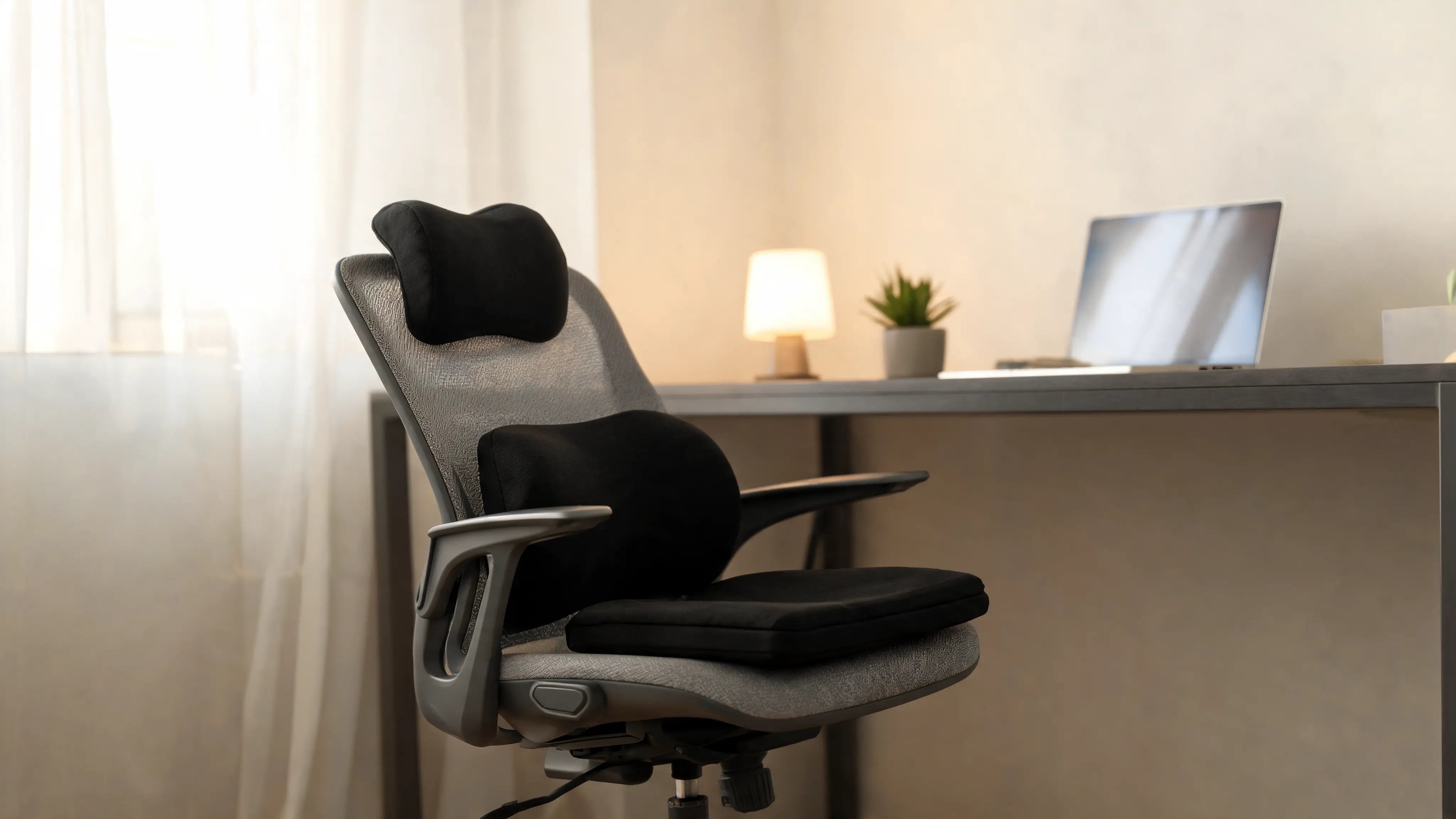
When your lower back collapses, your upper back and neck follow. Support the lumbar curve with your chair or a cushion so your spine stacks upright.
4. Move every half hour
No position is good forever. Stand, roll your shoulders and look away from the screen every 30 to 45 minutes. Small resets keep the muscles from locking up.
Good setup vs bad setup
| Bad for your neck | Better for your neck |
|---|---|
| Flat laptop, head tipped down | Screen raised to eye level |
| Shoulders hunched forward | Shoulders relaxed, back supported |
| Sitting still for hours | Short movement breaks |
When to see a professional
Most desk-related neck pain eases once your setup improves. But if the pain is severe, spreads down your arm, or does not settle with better ergonomics and movement, speak to a doctor or physiotherapist. This article is general information, not medical advice.
Frequently asked questions
Can a laptop stand help with neck pain?
Yes. A laptop stand raises your screen to eye level so you stop looking down, which keeps your neck neutral and reduces the strain that builds up over a long day.
How high should my screen be to avoid neck pain?
The top of your screen should sit at or just below eye level, about an arm's length away, so you look slightly down without bending your neck.
Why does my neck hurt only on workdays?
If the ache appears on days you sit at a desk and eases on days off, your setup is the likely cause, usually a screen that is too low combined with hours of sitting still.
Keep reading
The Complete Ergonomic Desk Setup Guide
Fix pain from sitting, step by step.
Best Laptop Stands 2026
Pick the right stand to raise your screen.
Next steps for your desk setup
If your neck feels loaded after screen-heavy days, start with screen height and gentle support choices.
- Shop neck relief
- Cervical neck pillow
- Tech neck guide
- Neck stretches for desk workers
- Monitor height guide
General information, not medical advice.
Next step
Build the setup around this guide.
If your neck feels tired after screen-heavy days, check monitor height first, then choose support for your rest routine.
General information, not medical advice.