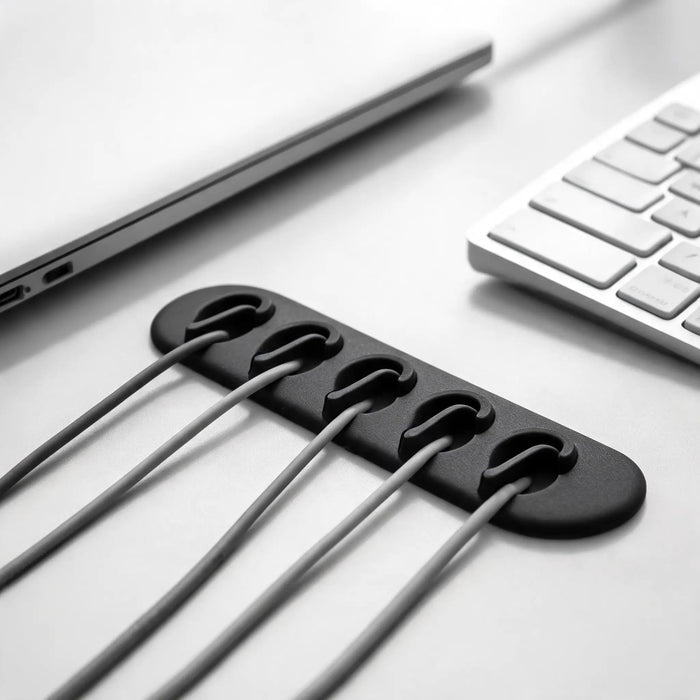
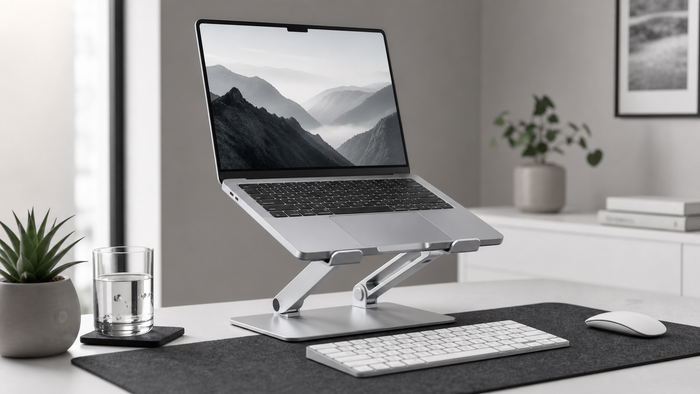
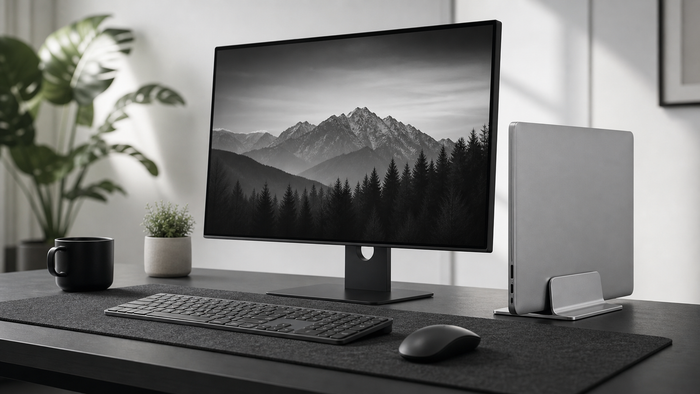
Route monitor power, display, USB and dock cables with practical slack, separation and under-desk organization for a cleaner workspace.
Map every monitor connection
List power, HDMI, DisplayPort, USB-C and accessory cables before moving anything. Note which leads must move with the screen and which can remain fixed below the desk.
Separate fixed and daily cables
Keep permanent monitor wiring behind or below the desk. Route frequently handled laptop and charging cables toward an accessible dock instead of mixing them with fixed power leads.
Leave controlled adjustment slack
A monitor needs enough cable length for height and angle changes. Guide that slack in one deliberate loop so it cannot pull against ports or spread across the floor.
Measure before choosing
Measure the real workspace and equipment before ordering. Include connectors, moving parts and the space needed during a normal workday. Compare those measurements with the listed product dimensions instead of judging fit from a photo alone.
Use one change at a time
- Identify the exact source of friction.
- Measure the relevant space and equipment.
- Choose one practical adjustment.
- Check stability, reach and daily usability.
- Review the setup after a complete work session.
Frequently asked questions
How can monitor cables be hidden?
Group fixed leads behind the monitor arm or stand, then guide them into an under-desk route. Keep connectors accessible for maintenance.
Should power and display cables be separated?
Physical separation can make tracing and replacing cables easier. Follow all equipment and electrical safety instructions.