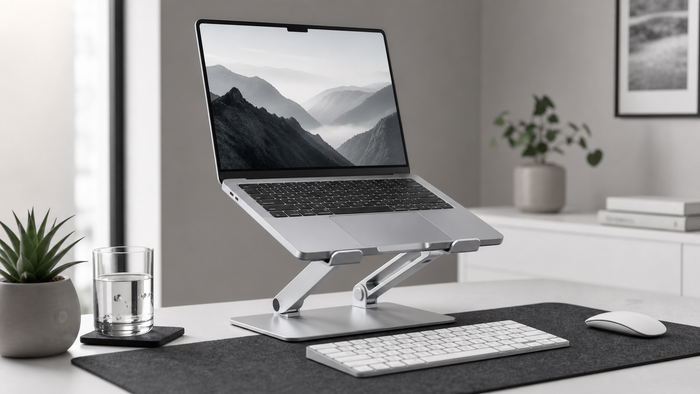
Set up a laptop stand for video calls with better camera height, stable framing, comfortable reach, lighting and room for a keyboard and mouse.
Start with camera height
Raise the laptop until the camera creates a natural, repeatable frame. Avoid extreme height changes that make the keyboard uncomfortable or the stand less stable.
Use separate input devices
When the laptop is raised for calls, a separate keyboard and mouse let the shoulders and hands stay closer to a normal desk position.
Keep the frame consistent
Mark the preferred stand height and laptop angle. A repeatable position saves setup time and keeps lighting and background changes predictable.
Measure before choosing
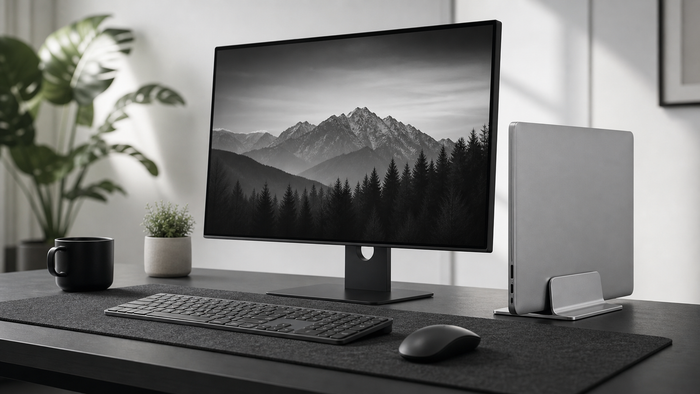
Measure the real workspace and equipment before ordering. Include connectors, moving parts and the space needed during a normal workday. Compare those measurements with the listed product dimensions instead of judging fit from a photo alone.
Use one change at a time
- Identify the exact source of friction.
- Measure the relevant space and equipment.
- Choose one practical adjustment.
- Check stability, reach and daily usability.
- Review the setup after a complete work session.
Frequently asked questions
Does a laptop stand improve camera quality?
It does not change the camera itself, but better height and stable framing can improve how a call looks.
Can the built-in keyboard still be used?
Sometimes, but a raised laptop often makes long typing less comfortable. A separate keyboard is usually more practical.