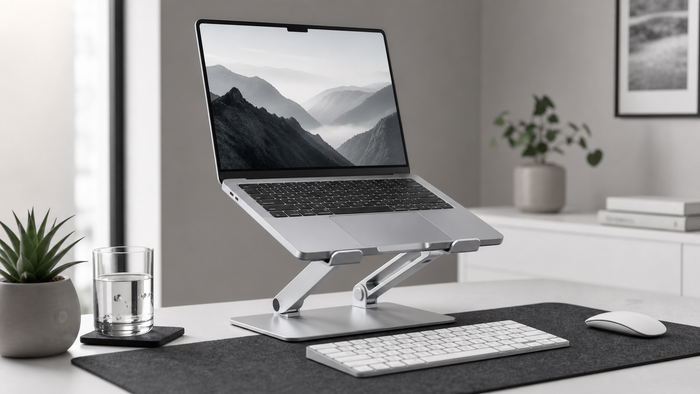
A laptop stand works best for longer sessions when the raised screen is paired with a separate keyboard and mouse. This lets you adjust viewing height without forcing your hands upward.
When an adjustable stand fits
Choose an adjustable stand when you regularly change desks, use video calls, or want to fine-tune screen height. Check your laptop width and weight before ordering, and keep the air vents clear.
View the adjustable laptop stand
Set keyboard and mouse reach first
Place the keyboard close enough that your elbows can stay near your body. Keep the mouse directly beside it. Then move the raised laptop into a comfortable viewing position.
Set a useful screen height
Raise the screen until you can look ahead comfortably without lifting the chin. There is no universal perfect height, so make a small adjustment and review it during a normal work block.
Keep cables out of the working area
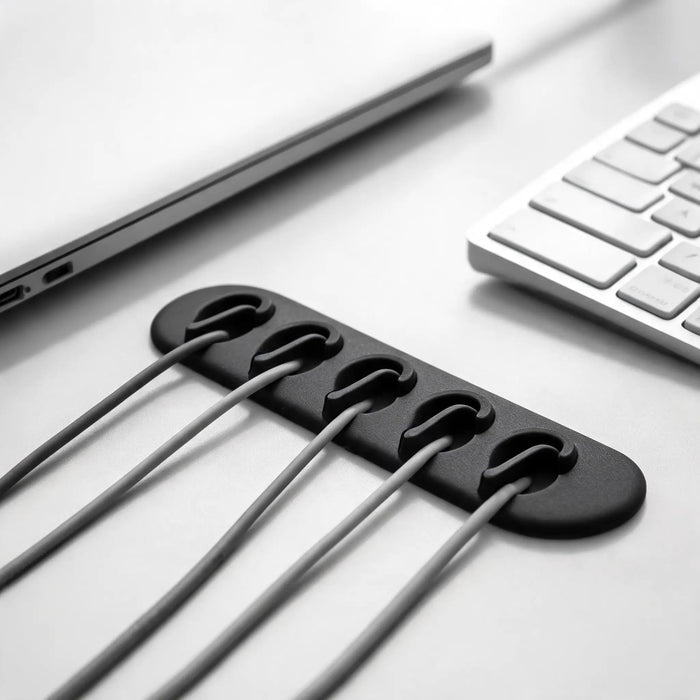
Route power and display cables behind the stand. Leave enough slack for height changes, and keep charging leads away from the keyboard and mouse.
Five checks before you buy
- Laptop width and weight match the product specifications.
- The base fits within the usable desk depth.
- The stand remains stable at the height you intend to use.
- Ports and cooling vents remain accessible.
- A separate keyboard and mouse fit within comfortable reach.
Quick questions
Do I need a separate keyboard and mouse?
For longer sessions, they let you raise the screen while keeping your hands at desk level. For short mobile sessions, the built-in keyboard may be more practical.
Should the laptop be centered?
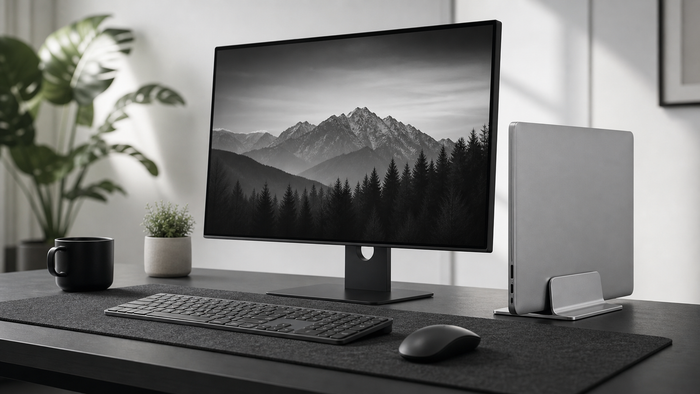
Center it when it is your main screen. Place it beside your main monitor when it is a secondary display.
Continue your setup
General ergonomic information, not medical advice.
Next step: compare the full laptop stand range for desk work, including adjustable and vertical options.