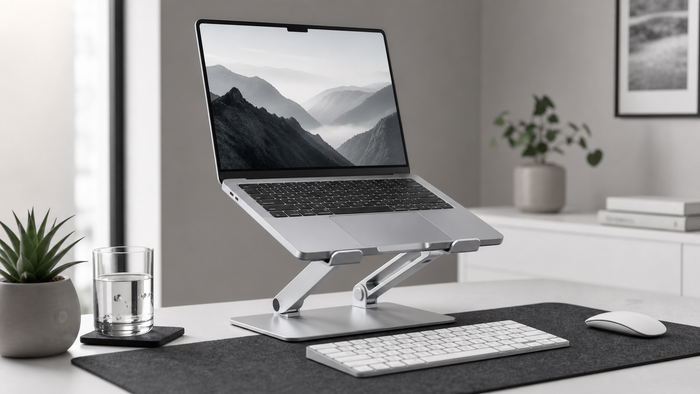
Laptop stand height should make the screen easier to view without turning the keyboard into an uncomfortable reach. For longer work sessions, the most practical setup usually combines a raised laptop with an external keyboard and mouse.
Start from your normal sitting position
Set the chair and desk first. Sit at the distance and height you use during real work, relax the shoulders, and face forward. Adjusting a stand before the chair often creates a moving target.
Use the screen as the reference
Raise the laptop until the display supports a comfortable forward gaze. Exact measurements vary by body position, screen size, viewing distance, and whether the laptop sits alone or beside a monitor. Small adjustments are more useful than chasing one universal number.
Do not type on a highly raised laptop
Raising the screen also raises the built-in keyboard. Typing for long periods with the arms lifted can make the setup less comfortable. Use an external keyboard and mouse when the laptop is raised beyond a natural typing height.
Step-by-step setup
- Place the stand on a stable, level surface.
- Set the laptop securely against all support points.
- Connect an external keyboard and mouse if needed.
- Sit in your usual working position.
- Raise the screen in small steps until the view feels natural.
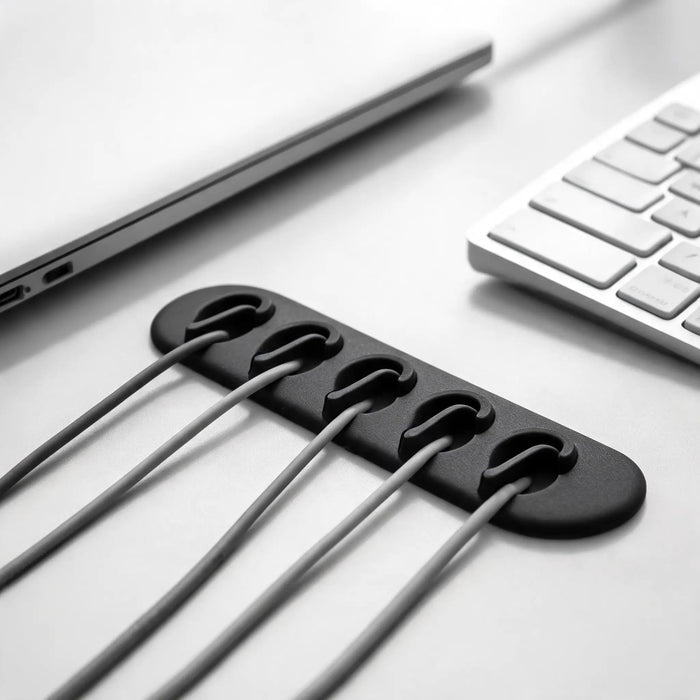
- Check webcam framing, glare, and cable slack.
- Use the setup for a complete work session before changing it again.
Height for a laptop beside a monitor
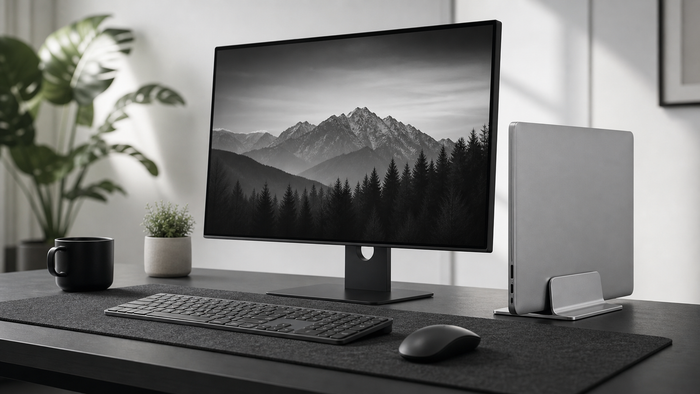
When both screens are used, align the areas you look at most often and avoid large vertical differences. When the laptop stays closed beside a monitor, a vertical stand may create more useful desk space than an adjustable riser.
Stability, airflow, and desk depth
Height is only useful when the stand remains stable. Confirm that the laptop base fits, ventilation stays open, and the screen does not sit too close to your eyes. Keep enough cable slack for adjustment without pulling connectors.
Frequently asked questions
Should the top of the laptop screen be at eye level?
It can be a useful starting point, but screen size, viewing distance, chair position, and individual comfort affect the final setup.
Can I use a laptop stand without a keyboard?
For short tasks, possibly. For longer typing sessions, an external keyboard and mouse usually make a raised screen more practical.
Is a higher laptop stand always better?
No. Excessive height can create an awkward gaze, reduce stability, or move the keyboard out of reach.