Vertical Laptop Stand for Clamshell Mode is a practical question when a desk setup needs one focused improvement. The answer depends on fit, equipment, available space, and how the setup is used during a normal workday.
What clamshell mode means
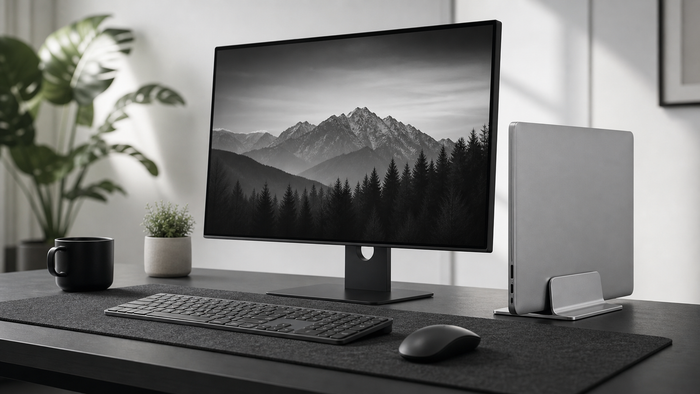
The laptop runs closed while an external monitor, keyboard, and mouse become the main setup. Compatibility and power behavior vary by device.
Check stand fit
The slot should hold the laptop securely without squeezing the case. Check thickness with any protective cover included.
Protect airflow and ports
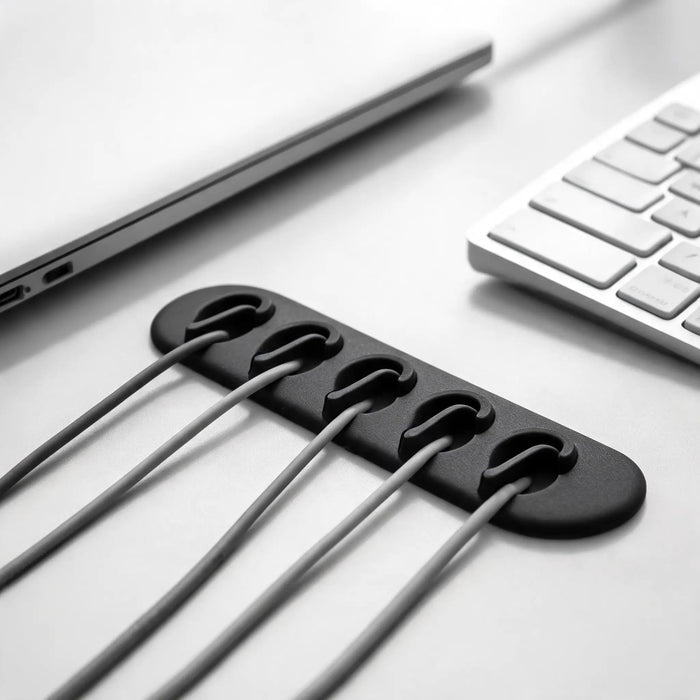
Keep ventilation openings clear and leave cables enough room to connect without sharp bends.
What to measure before changing the setup
Write down the available width, depth, and height before choosing gear. Include the space used by cables, connectors, chair movement, and the equipment already on the desk. Product dimensions only become useful when they are compared with the real workspace.
A simple way to decide
- Identify the exact friction in the current setup.
- Measure the relevant product, chair, screen, or desk space.
- Change one variable at a time.
- Check stability, reach, and cable movement.
- Review the setup after a complete work session.
Common mistakes to avoid
- Choosing from a product photo without checking dimensions.
- Changing several parts of the setup at the same time.
- Ignoring how added height affects reach, stability, or viewing distance.
- Using dramatic claims as a substitute for fit and compatibility.
Reconsider the setup when it creates a new pressure point, unstable equipment, blocked ventilation, restricted cable movement, or a less comfortable working position.
Frequently asked questions
Can every laptop run closed?
No. Check the device instructions, operating-system settings, cooling needs, and external-display support.
Does a vertical stand save space?
It reduces the laptop footprint and can free useful desk surface beside a monitor.