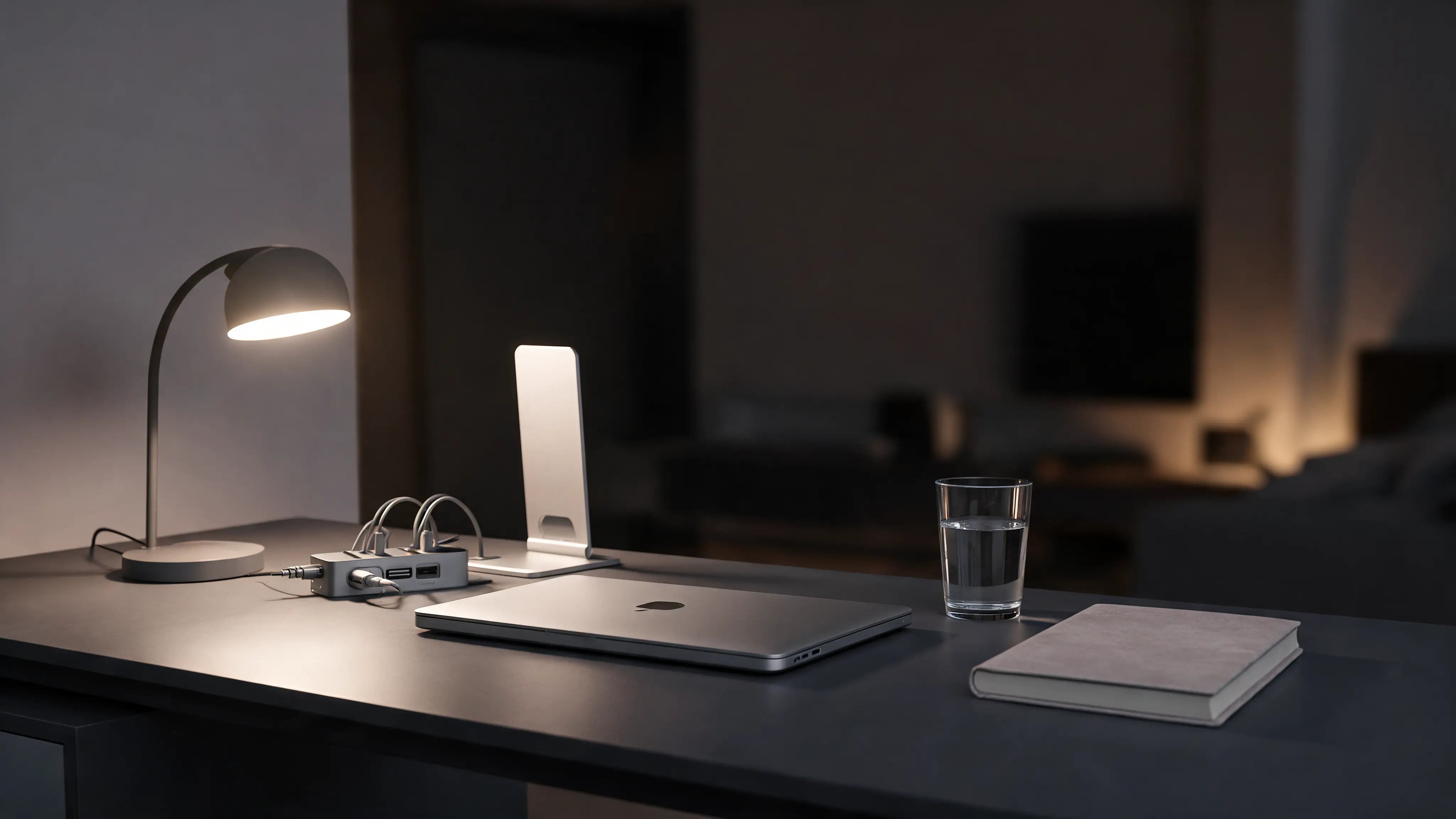
Standing desks are everywhere, and the pitch is simple: sitting is bad, standing is good. The truth is more useful than that. Neither sitting nor standing all day is ideal. The best setup lets you switch. Here is how sitting and standing compare, and how to get the benefits of both.
Sitting vs standing: the honest comparison
| Sitting all day | Standing all day | |
|---|---|---|
| Upside | Restful, stable for focus | More movement, less slump |
| Downside | Stiffness, slumping | Tired legs and feet |
The answer: alternate
The healthiest pattern is to switch between sitting and standing through the day, and to move regularly whichever you choose. Whether you sit or stand, your screen still needs to be at eye level so your neck stays neutral. A laptop stand helps in both positions.
Frequently asked questions
Is standing better than sitting for work?
Neither extreme is ideal. Alternating between the two, plus regular movement, gives you the benefits of both.
How often should I switch?
Many people find changing position every 30 to 60 minutes works well.
Keep reading
The Complete Ergonomic Desk Setup Guide
Build a setup that works for you.
Lower Back Pain From Sitting
Why sitting hurts and what helps.
Set up your workspace with ArcosGear
Next steps for your desk setup
The best setup is usually adjustable in habit, not just furniture. Use these guides to build a calmer workday.
- Shop back relief
- Memory foam seat cushion
- Sitting vs standing desk
- How to sit at a desk
- Ergonomic desk setup guide
General information, not medical advice.
Next step
Build the setup around this guide.
If long sitting is the problem, start with chair fit and seat support, then build movement breaks into the day.
General information, not medical advice.