Learn how laptop stand design, ventilation openings, surface contact and desk placement affect airflow during everyday work.
Find the laptop ventilation points
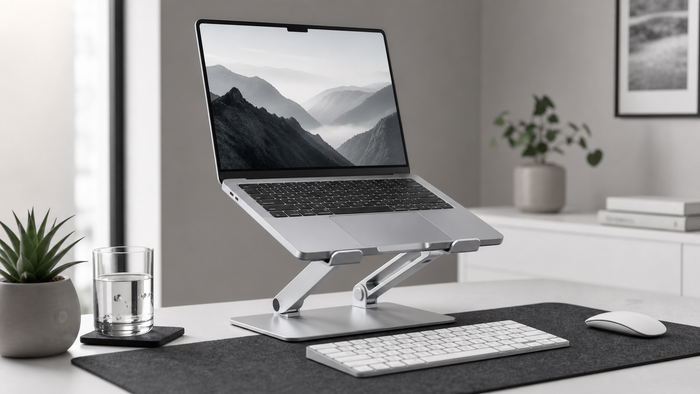
Check where the laptop draws in and releases air. A stand should avoid covering those openings and should support the device at stable contact points.
Prefer open space below the device
An open-frame stand can reduce direct contact with the desk and leave room around the laptop base. Cooling results still depend on the computer and workload.
Keep vents and fans clean
Dust, soft materials and blocked openings can restrict airflow. Follow the laptop manufacturer instructions for cleaning and safe operating temperatures.
Measure before choosing
Measure the real workspace and equipment before ordering. Include connectors, moving parts and the space needed during a normal workday. Compare those measurements with the listed product dimensions instead of judging fit from a photo alone.
Use one change at a time
- Identify the exact source of friction.
- Measure the relevant space and equipment.
- Choose one practical adjustment.
- Check stability, reach and daily usability.
- Review the setup after a complete work session.
Frequently asked questions
Does every laptop benefit from a stand?
No. Vent placement and thermal design vary. Check device guidance and stop using any setup that feels unstable or blocks ventilation.
Is a fan stand always better?
Not automatically. Fit, noise, power use and vent alignment matter as much as the presence of a fan.