Keyword Planner shows people search for best posture for sitting at desk, correct sitting posture at desk, ergonomic desk setup, and posture support. The answer is not forcing yourself to sit straight all day. It is arranging your desk so a supported position becomes the easy position.
General information, not medical advice. ArcosGear products support daily comfort and are not medical devices.
Correct sitting posture at a desk
- Eyes: top of the screen at or slightly below eye level.
- Neck: head balanced over shoulders, not reaching toward the screen.
- Back: lower back supported so your spine keeps a relaxed curve.
- Arms: elbows close to 90 degrees with shoulders relaxed.
- Feet: flat on the floor or supported, with knees around hip level.
How to fix desk posture in five steps
1. Raise your laptop or monitor
A low screen pulls your head forward. Use a laptop stand or monitor riser so your gaze can stay level. This is often the biggest posture improvement for laptop workers.
2. Add lower back support
If your chair does not support your lower back, your upper body often collapses forward. A lumbar cushion or seat cushion can support a calmer sitting position during long workdays.
3. Bring work closer
Move keyboard, mouse, notebook, and daily tools within easy reach. Reaching forward for hours trains rounded shoulders.
4. Use movement as part of posture
The best desk posture still changes throughout the day. Stand, walk, stretch gently, or reset your screen and chair position after calls.
5. Support recovery after screen-heavy days
For some desk workers, a contoured neck pillow can support a calmer rest routine after long screen days. Choose shape and firmness carefully.
Posture support gear by problem
| You notice | Check first | Helpful product type |
|---|---|---|
| Looking down at laptop | Screen height | Laptop stand |
| Slumping in chair | Lower back support | Lumbar support or seat cushion |
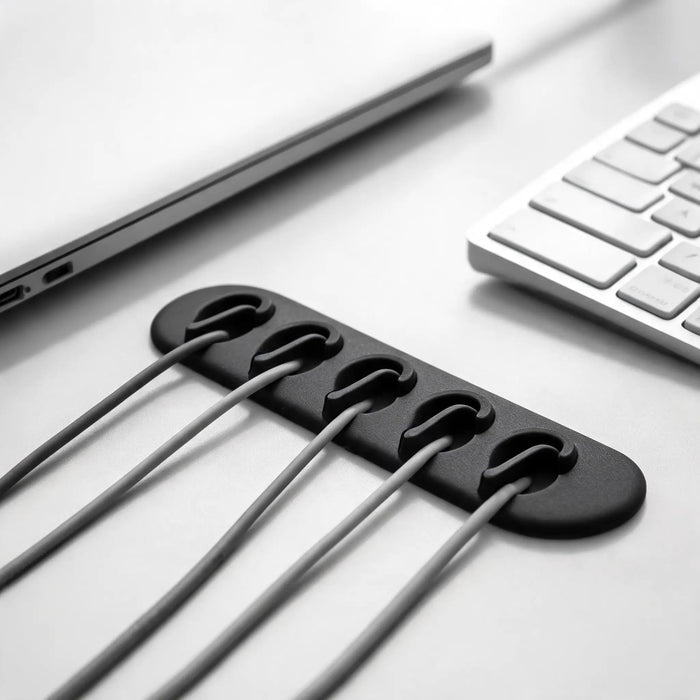
| Cable clutter pulling devices away | Desk layout | Cable dock |
FAQ
Can I fix posture at a desk with products only?
No. Products can support a better setup, but posture also depends on screen height, chair fit, movement, and daily habits.
What is the best posture for sitting at a desk?
A relaxed, supported position: screen near eye level, shoulders relaxed, lower back supported, elbows near 90 degrees, and feet stable.
Is this medical advice?
No. This is general information. Speak to a qualified professional for severe, persistent, or radiating pain.